
For fans of indie games, the choice between a Steam Deck and a Nintendo Switch isn’t just about hardware—it’s about access, experience, and ecosystem. Both devices have carved out passionate followings, but they serve different kinds of players in distinct ways. The Nintendo Switch remains a cultural phenomenon with its first-party charm and curated indie presence, while the Steam Deck offers an open, PC-like platform that embraces the full breadth of independent development. Understanding where each excels—especially for those who live for narrative-driven pixel art adventures, experimental roguelikes, or niche genre hybrids—is key to making the right decision.
Library Depth and Indie Game Availability
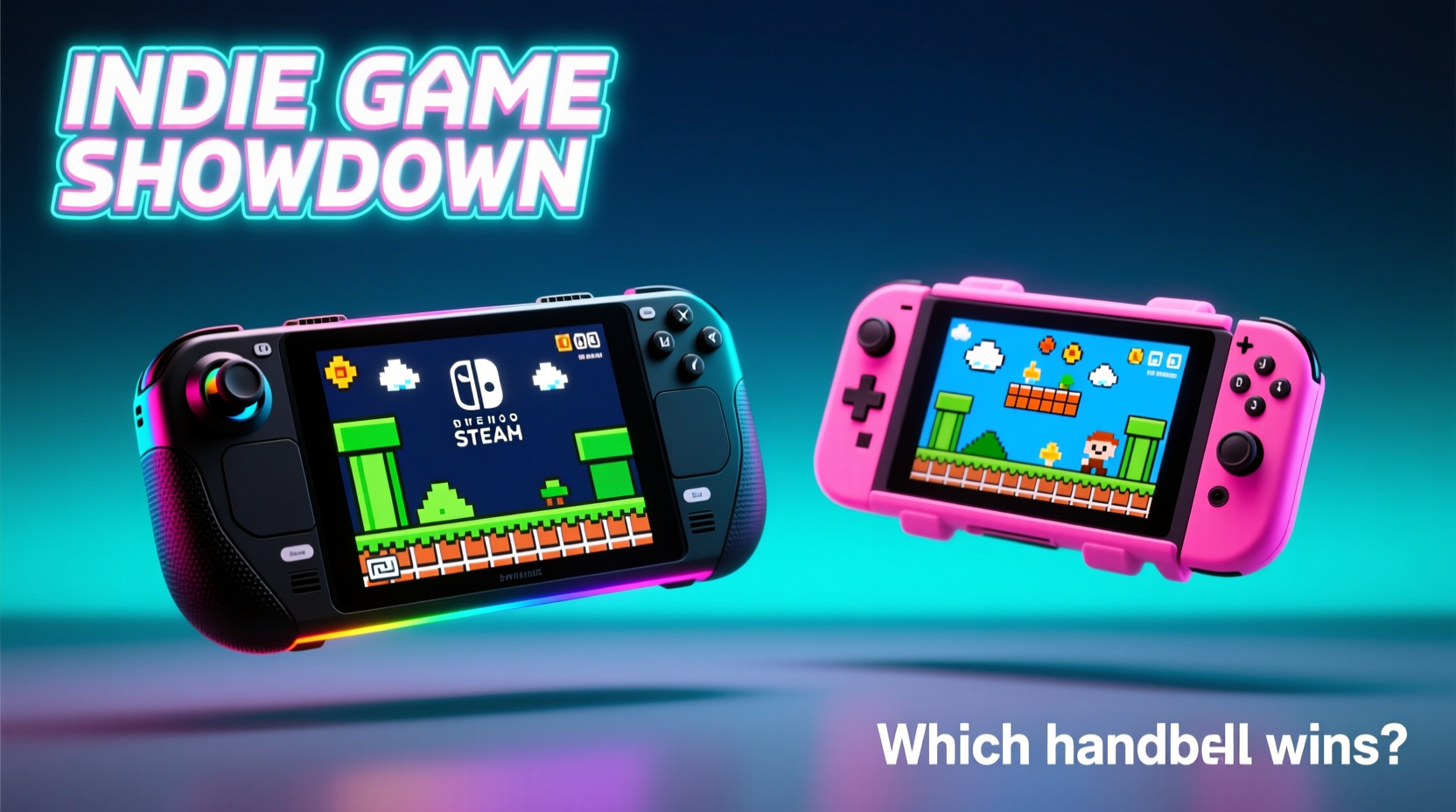
The most critical factor for indie enthusiasts is the sheer volume and variety of available titles. On this front, the Steam Deck holds a decisive advantage. It grants access to the entire Steam catalog, which hosts over 70,000 games—many of them indie titles released through Steam Direct. From breakout hits like Hades and Dead Cells to obscure gems like Outer Wilds and Eastward, the Steam Deck allows players to explore every corner of the indie landscape without gatekeeping.
In contrast, the Nintendo Switch has a carefully curated eShop. While it features many acclaimed indie games—such as Stardew Valley, Celeste, and Oxenfree II—it only carries a fraction of what's available on Steam. Many smaller developers either don’t port their games to Switch due to certification costs, technical limitations, or lack of resources, or they release them months or even years after the initial launch.
Nintendo does offer visibility through features like “Indie Highlights” showcases and partnerships with publishers such as Devolver Digital and Annapurna Interactive. However, these are promotional events rather than comprehensive access points. Meanwhile, Steam continuously updates recommendations based on play history, community reviews, and trending tags—giving users dynamic, personalized discovery tools unmatched by any console.
Performance and Flexibility
Under the hood, the Steam Deck runs on a full x86-64 AMD APU, essentially functioning as a portable Windows-based PC. This architecture supports native execution of nearly all Steam games, including demanding indie titles built with Unity, Unreal Engine, or Godot. With 16 GB of RAM and SSD storage options up to 512 GB (or expandable via microSD), the Steam Deck handles multitasking, modding, and emulation with ease—features that deeply appeal to tech-savvy indie players.
The Nintendo Switch, powered by a custom NVIDIA Tegra X1 chip, is less powerful by modern standards. While it runs most indie titles smoothly—thanks to their typically lightweight design—it struggles with more complex ports or games requiring higher resolutions and frame rates. Some indie games receive downgraded versions on Switch compared to their PC counterparts, with reduced textures, lower framerates, or simplified physics.
Moreover, the Steam Deck allows overclocking (via BIOS tweaks in desktop mode), fan curve adjustments, and resolution scaling—all useful for squeezing better performance from demanding indie experiments. The Switch offers no such customization; it operates within strict hardware boundaries set by Nintendo.
“Indie developers thrive on freedom—both creatively and technically. The Steam Deck mirrors that spirit by giving players control over how they run and modify games.” — Lena Park, Independent Game Developer and Co-founder of Pixel Splice Studios
Portability and Design
Despite its power, the Steam Deck weighs approximately 669 grams (about 1.48 lbs), making it noticeably heavier than the Nintendo Switch OLED model at 420 grams (0.92 lbs). The bulk comes from larger batteries, active cooling, and sturdier build quality. For extended handheld sessions—like playing a 20-hour indie RPG during a long flight—the Switch’s lighter frame may feel more comfortable.
However, the Steam Deck compensates with superior ergonomics. Its analog sticks are positioned optimally for prolonged use, and the inclusion of rear triggers and trackpads provides flexibility for games designed with mouse-and-keyboard input in mind. The 7-inch LCD screen (60Hz) offers higher resolution (1280×800) than the Switch’s 720p display, resulting in sharper visuals—especially beneficial for text-heavy narrative adventures or detailed pixel art.
The Switch shines in versatility. Detachable Joy-Con controllers enable instant multiplayer, and tabletop mode makes local co-op seamless—a feature few indie games on Steam emphasize. Titles like Overcooked! 2 or Snipperclips gain significant social value from this flexibility. Yet, for solo indie exploration, the Steam Deck’s immersive form factor and customizable interface often deliver a more satisfying experience.
Value Comparison and Long-Term Viability
Pricing plays a major role in the decision-making process. The base Steam Deck starts at $399 for the 64GB eMMC model, while the Switch OLED retails for $349. Though the Switch appears cheaper upfront, the Steam Deck includes far greater long-term value for indie gamers:
- Access to thousands of free and low-cost indie demos and early-access titles
- No mandatory subscription for offline single-player gameplay
- Ability to install third-party stores like GOG, Epic Games Store, or itch.io
- Support for cloud saves across platforms via Steam Sync
In contrast, while Nintendo frequently runs sales on the eShop, discounts are limited and regional. There’s also no official demo system—players must buy first and hope the game suits them. Additionally, Nintendo Switch Online is required for cloud saves and voice chat, adding recurring cost.
| Feature | Steam Deck | Nintendo Switch |
|---|---|---|
| Indie Game Library Size | 70,000+ (full Steam access) | ~5,000–7,000 (curated eShop) |
| Demos Available | Yes (extensive) | No official support |
| Mod Support | Full (file access, tools) | None |
| Battery Life (avg gaming) | 2–5 hours (game-dependent) | 3–6 hours (varies by model) |
| Subscription Needed for Save Sync? | No | Yes (Switch Online) |
| Emulation Capability | Excellent (up to PS2/GameCube) | Not officially supported |
While battery life favors the Switch in some scenarios, the Steam Deck’s ability to charge quickly via USB-C PD and its suspend/resume functionality help mitigate downtime. Plus, many indie games are less taxing on hardware, meaning titles like Gris or To the Moon can last 4+ hours on a single charge—comparable to Switch performance.
Real-World Example: One Player’s Journey Through Indie Worlds
Consider Maya, a college student and avid indie gamer who commutes two hours daily on public transit. She wanted a device that could handle deep story games, retro-inspired platformers, and occasional experimental titles she discovers on Reddit and itch.io.
Initially, she bought a Nintendo Switch because of its reputation and portability. She enjoyed Tunic and A Short Hike, but grew frustrated when she couldn’t find newer indie releases like Silksong (unreleased), Chained Echoes (PC-first), or Viewfinder. She also missed being able to try demos before purchasing.
After six months, she traded in her Switch and purchased a Steam Deck 256GB model. Suddenly, her backlog exploded—not just with mainstream indies, but with obscure visual novels, free-to-play jam games, and community-modded versions of classics. She installed Lutris to run non-Steam indies and used SD card space to store older titles she revisits seasonally. For her, the extra weight was negligible compared to the depth of content now at her fingertips.
Her experience reflects a growing trend: players who prioritize discovery and ownership over polish and exclusivity are increasingly gravitating toward open platforms like the Steam Deck.
Step-by-Step Guide: Choosing the Right Device for Your Indie Gaming Style
Follow this decision framework to determine which handheld aligns best with your preferences:
- Assess your game discovery habits: Do you rely on algorithmic recommendations, user reviews, or developer blogs? If yes, Steam Deck’s ecosystem will serve you better.
- Evaluate your tolerance for technical tinkering: Are you comfortable adjusting settings, managing storage, or troubleshooting compatibility? The Steam Deck rewards curiosity but demands some effort.
- Consider multiplayer needs: Do you regularly play couch co-op or pass-around games with friends? The Switch’s Joy-Con integration makes it ideal for shared experiences.
- Review your existing libraries: If you already own dozens of Steam indie games, the Deck lets you play them anywhere. If you’re invested in Nintendo’s universe, switching ecosystems means starting over.
- Test physical comfort: Hold both devices if possible. Weight distribution, button layout, and screen size impact enjoyment during multi-hour sessions.
Frequently Asked Questions
Can the Steam Deck run all indie games on Steam?
Most can run, but not all. Valve maintains a \"Verified\" badge system indicating optimal compatibility. Unverified titles may require manual configuration or Proton compatibility layers. Performance varies based on GPU intensity and optimization.
Are indie games cheaper on Switch or Steam?
Prices are generally similar, but Steam has more frequent and deeper sales. Flash weekend deals, seasonal events, and bundle sites like Humble Bundle give Steam an edge in cost efficiency. The Switch rarely drops prices below $5 for indie titles unless part of a site-wide sale.
Is the Steam Deck worth it if I only play indie games?
Absolutely—if you value breadth, discovery, and ownership. Even if you never touch AAA titles or emulators, the ability to access niche, unreleased, or region-locked indies makes the Deck invaluable for dedicated fans.
Final Verdict: Which Handheld Wins for Indie Lovers?
For pure indie game enthusiasts, the Steam Deck emerges as the superior choice. Its unrestricted access to the vast Steam marketplace, combined with moddability, save flexibility, and powerful hardware, creates an unparalleled environment for exploring the ever-expanding world of independent games. It empowers players to become curators of their own digital libraries, diving into genres and subcultures that mainstream consoles often overlook.
The Nintendo Switch, while charming and highly polished, functions more as a gateway device. It introduces players to select indie hits within a tightly controlled environment. For casual fans or those who enjoy hybrid play and family-friendly multiplayer, it remains excellent. But for serious indie devotees—the kind who spend weekends combing through itch.io tags or following devlogs on Itch—the Steam Deck offers freedom no console can match.
Your Move, Indie Explorer
If you crave depth over curation, ownership over convenience, and endless possibility over predictable polish, the Steam Deck isn’t just a gadget—it’s a portal. It respects your intelligence, trusts your judgment, and opens doors to worlds few know exist. Whether you're replaying cult classics, testing alpha builds, or modding your favorite narrative adventure, the power is yours. Take the leap, load up your favorites, and let the next chapter of indie gaming begin—in your hands.




 浙公网安备
33010002000092号
浙公网安备
33010002000092号 浙B2-20120091-4
Comments
No comments yet. Why don't you start the discussion?