
Digital templates have become a cornerstone of the modern creative economy. From planners and resumes to social media kits and invoice designs, people are constantly searching for customizable, ready-to-use tools that save time and elevate their personal or professional branding. The best part? You don’t need to be a coding expert or design legend to create and sell them. With the right strategy, anyone can build a profitable digital product business from scratch. This guide walks through every stage—from idea generation to launch and scaling—with actionable insights based on real market trends.
1. Identify Profitable Template Niches
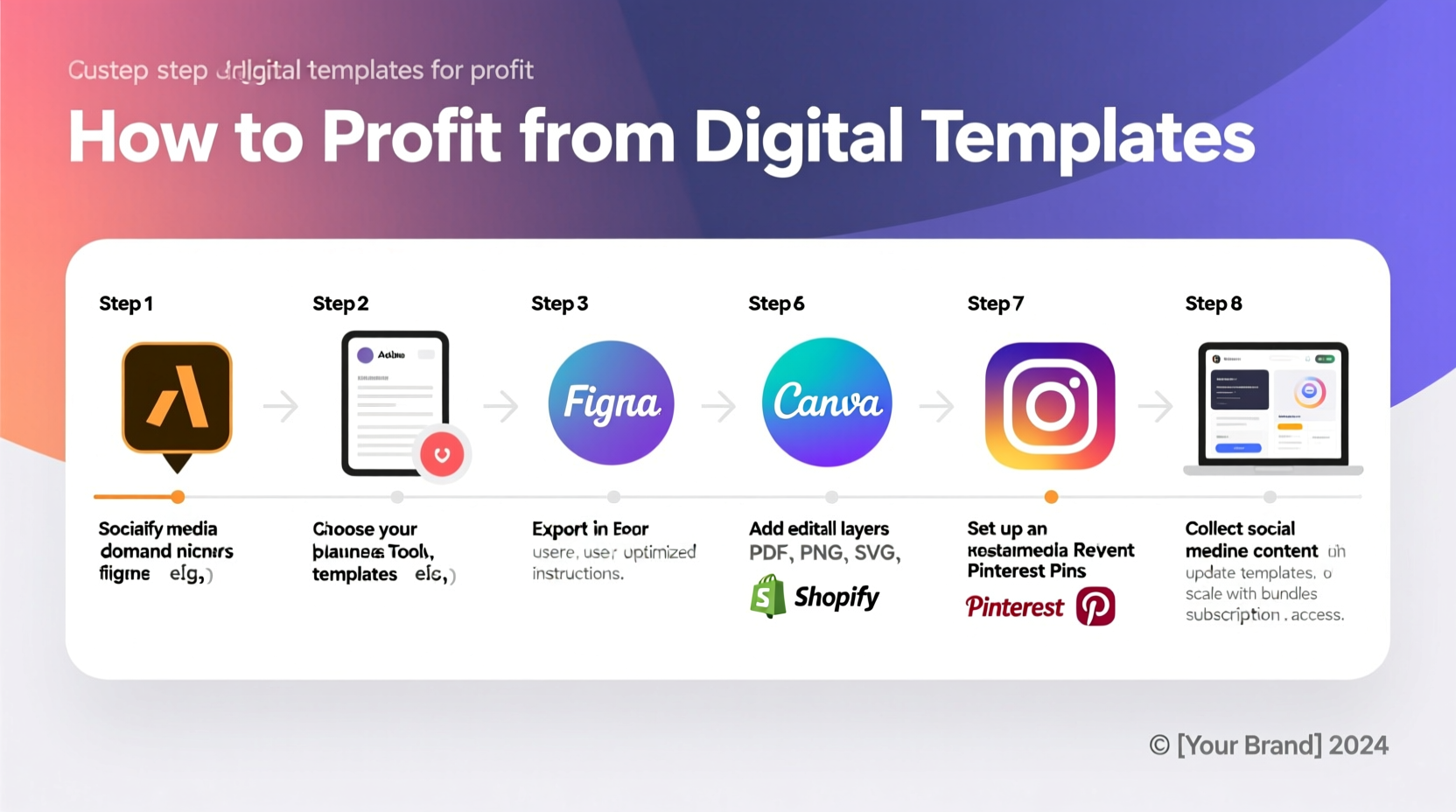
The first step is choosing a niche with demand but manageable competition. Broad categories like “planners” or “resumes” may seem attractive, but they’re saturated. Instead, focus on micro-niches where users face specific pain points. For example, “Notion templates for freelance writers” or “Canva Instagram story templates for vegan cafes” target audiences with clear needs.
To validate your niche:
- Search Etsy, Gumroad, and Creative Market to see what’s already selling.
- Use Google Trends to assess long-term interest.
- Join Facebook groups or Reddit communities to observe recurring requests.
2. Design High-Value Templates with User Experience in Mind
A successful template isn’t just visually appealing—it’s functional. Users should be able to open it, customize it quickly, and achieve immediate value. Prioritize clarity, intuitive layout, and compatibility.
Choose tools based on your skill level and the template type:
| Template Type | Recommended Tool | Export Format |
|---|---|---|
| Planners & Journals | Canva or Adobe InDesign | PDF (printable + fillable) |
| Spreadsheets (budgets, trackers) | Google Sheets or Excel | Google Sheets link + PDF guide |
| Presentations | PowerPoint or Google Slides | PPTX + PDF version |
| Website & Email Templates | Figma or Webflow | Figma community file or HTML/CSS snippet |
When designing, follow these principles:
- Use consistent fonts and color schemes.
- Include clear instructions or placeholder text.
- Offer multiple versions (light/dark mode, US/UK paper sizes).
- Ensure mobile responsiveness if applicable.
“Simplicity sells. A clean, easy-to-edit template outperforms flashy but confusing designs every time.” — Lena Torres, Digital Product Designer & Best-Selling Seller on Creative Market
3. Package and Brand Your Digital Product
Selling a template isn’t just about the file—it’s about the experience. Customers pay for convenience, professionalism, and trust. That starts with how you present your product.
Create a cohesive brand package:
- Cover Image: Use Canva or Photoshop to design an eye-catching preview mockup.
- Product Title: Be descriptive and keyword-rich. Example: “Minimalist Monthly Budget Tracker – Google Sheets & Excel – Editable Finance Template.”
- Description: Highlight benefits, not just features. Instead of “Includes 12 tabs,” say “Automatically calculates your monthly savings so you can reach financial goals faster.”
- Bonus Materials: Add value with quick-start guides, video tutorials, or matching icon sets.
4. Choose the Right Platform to Sell Your Templates
Your sales platform affects pricing, control, and audience reach. Each option has trade-offs:
| Platform | Pros | Cons | Best For |
|---|---|---|---|
| Etsy | High traffic, built-in SEO, trusted checkout | Listing fees, 6.5% transaction fee | Beginners testing demand |
| Gumroad | Easy setup, supports subscriptions, no upfront cost | Limited discovery; relies on your marketing | Solopreneurs with an audience |
| Creative Market | Premium audience, curated marketplace | Strict approval process, 40% commission | High-quality design-focused templates |
| Self-Hosted (via Shopify or WordPress) | Full control, higher margins, brand building | Requires tech setup and traffic generation | Scaling long-term businesses |
If you're just starting, list on Etsy and Gumroad simultaneously. Use Etsy for visibility and Gumroad to collect customer emails and offer exclusive bundles later.
5. Launch, Market, and Scale Your Template Business
Creating a great template isn’t enough—you need visibility. A strategic launch increases early momentum, which boosts algorithmic ranking on marketplaces.
Pre-Launch Checklist
- ✅ Finalize all template files and test across devices
- ✅ Create 3+ mockup images and a 60-second demo video
- ✅ Write compelling product descriptions with keywords
- ✅ Set up a simple landing page or Gumroad store
- ✅ Reach out to 5 micro-influencers for early reviews
Launch Week Strategy
- Offer a limited-time discount (e.g., 30% off first 50 buyers).
- Share on Pinterest with keyword-rich pins linking to your store.
- Post a tutorial on Instagram or TikTok showing how to use the template.
- Submit to relevant newsletters like Side Project Stack or MakerPad.
- Encourage buyers to leave reviews by including a polite note in the download folder.
Once you’ve validated demand, scale by bundling related templates (e.g., “Social Media Bundle: 30 Post Templates + Content Calendar”) or offering customization services as an upsell.
Mini Case Study: From Side Hustle to Full-Time Income
Jamie Rivera, a former teacher, started designing Notion templates for educators after struggling to organize lesson plans. She launched her first product—a “Teacher’s Weekly Planner for Notion”—on Etsy with minimal expectations. By sharing short tutorial videos on TikTok and engaging in teacher Facebook groups, she gained traction. Within six months, she had sold over 1,200 units at $12 each and expanded into a full suite of classroom management templates. Today, her digital shop generates over $8,000/month passively, allowing her to transition into full-time entrepreneurship.
FAQ
Do I need design experience to create digital templates?
No. Tools like Canva and Notion have drag-and-drop interfaces that make template creation accessible to beginners. Focus on solving a problem clearly, not on advanced design skills.
How much can I earn selling digital templates?
Earnings vary widely. Beginners often make $100–$500/month initially. Top sellers with multiple products and strong marketing earn $5,000–$20,000/month. Profit margins typically exceed 90% since there are no inventory or shipping costs.
Are digital templates copyright protected?
Yes. As the creator, you retain copyright. Always include a license in your download folder specifying permitted use (e.g., personal use, small business use). Avoid using copyrighted fonts or images unless licensed for commercial use.
Conclusion
Creating and selling digital templates is one of the most accessible ways to build a sustainable online income. Unlike physical products, digital templates require no inventory, have near-zero marginal costs, and can be sold repeatedly. The key is to start small—solve one specific problem exceptionally well—and iterate based on customer feedback. Whether you're a designer, educator, freelancer, or stay-at-home parent, your expertise can be transformed into a valuable digital product.




 浙公网安备
33010002000092号
浙公网安备
33010002000092号 浙B2-20120091-4
Comments
No comments yet. Why don't you start the discussion?