
It’s 2:37 a.m., you’re fast asleep, and suddenly—music blares from your smart speaker. No command was given. No app was opened. Yet there it is: a playlist, a radio station, or worse, a voice reading out the weather. This unsettling experience is more common than you might think. Thousands of users report their Amazon Echo, Google Nest, or Apple HomePod devices playing music or sounds without prompting. While it can feel like a glitch—or even a privacy breach—it’s usually rooted in technical triggers that are both explainable and fixable.
The issue stems from a mix of voice misinterpretations, connected service behaviors, network anomalies, and automation settings gone rogue. The good news? With the right approach, you can diagnose and eliminate the cause for good. This guide breaks down every possible reason behind random playback and delivers clear, actionable solutions tailored to real-world usage.
Common Causes Behind Unwanted Playback
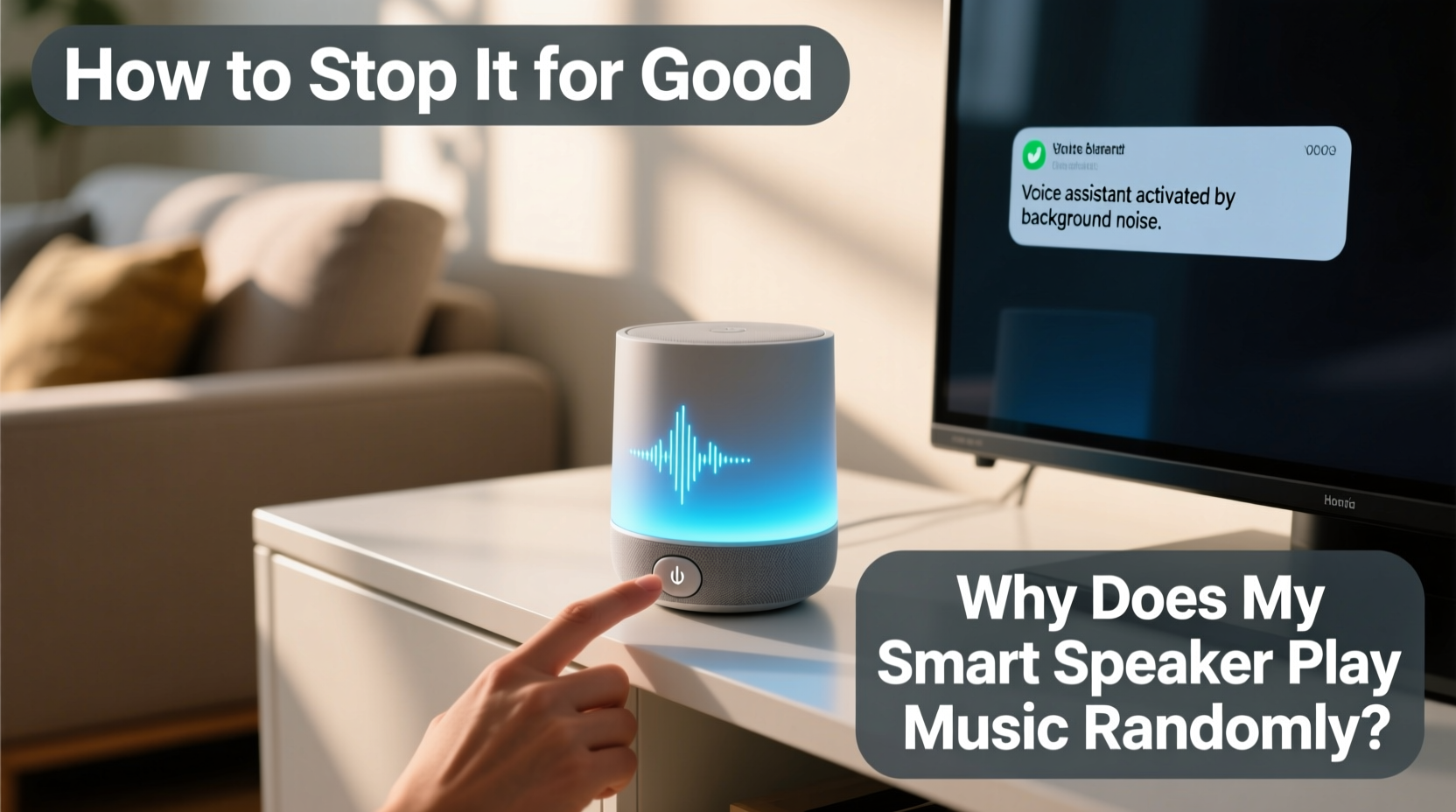
Smart speakers are designed to respond to voice commands, but they also integrate deeply with apps, routines, and third-party services. When one of these systems misfires, it can trigger unexpected behavior. Here are the most frequent culprits:
- Voice misinterpretation: Background noise, similar-sounding words, or TV dialogue can trick the device into thinking it heard its wake word.
- Automated routines: Scheduled actions (e.g., “Play morning news at 7 a.m.”) may be enabled without your awareness.
- Guest access or shared accounts: Family members, guests, or unauthorized users on your Wi-Fi might control your speaker remotely.
- App integrations: Spotify, Pandora, or YouTube Music may auto-play based on algorithmic suggestions or saved preferences.
- Firmware bugs: Outdated software or temporary glitches can cause erratic behavior.
- Drop-in or intercom features: Enabled communication modes between devices may allow unintended audio transmission.
Understanding which factor applies to your situation is the first step toward resolution.
Step-by-Step Diagnosis and Fixes
Resolving random playback requires methodical troubleshooting. Follow this sequence to isolate and eliminate the root cause.
- Check recent voice history. Review your assistant’s activity log:
- For Alexa: Open the Alexa app → Settings → History. Look for unexplained “Play” commands.
- For Google Assistant: Visit activity.google.com → Voice & Audio. Search for “play music” entries.
- If you see unrecognized commands, the device likely misheard something.
- Adjust wake word sensitivity. Reduce false triggers by fine-tuning detection:
- Alexa devices offer “Wake Word Sensitivity” under Device Settings → Microphone & Camera.
- Google Nest allows you to disable “Hey Google” while keeping “Ok Google,” or vice versa.
- Review and disable active routines.
- In the Alexa app: Routines → See All → Disable any that include music playback.
- In Google Home: Routines → Edit or delete suspicious automations.
- Pay special attention to location-based routines that activate when your phone reconnects to Wi-Fi.
- Inspect linked services and permissions.
- Go to Skills (Alexa) or Works With (Google) and revoke access from unused music apps.
- Disable autoplay features in Spotify or YouTube Music connected profiles.
- Restart and update your device.
- Unplug the speaker for 30 seconds, then power it back on.
- Ensure firmware is up to date—updates often patch known bugs causing erratic playback.
Security and Access Control Measures
Uninvited music could indicate someone else is accessing your device. Smart speakers connected to shared networks or family accounts are particularly vulnerable.
Consider this scenario: A teenager uses voice control on their phone to play music through the living room Echo while doing homework. Their parent, unaware of the shared household profile, hears music later and assumes a malfunction. In another case, a guest connects to Wi-Fi and unknowingly gains voice control via proximity.
“We’ve seen a rise in support tickets where users blame ‘ghost playback,’ only to discover a child activated a routine using a tablet.” — Mark Tran, Senior Support Analyst at SmartHome Insights
To prevent unauthorized use:
- Set up voice profiles so only recognized voices can issue commands.
- Disable “Allow Drop-In” and “Announcements” unless actively used.
- Use separate user profiles in the companion app and limit permissions.
- Enable two-factor authentication on your account to block remote hijacking.
Do’s and Don’ts: Managing Smart Speaker Behavior
| Do | Don't |
|---|---|
| Regularly review voice command history | Assume all playback is a hardware fault |
| Use strong, unique passwords for your smart account | Leave default settings unchanged long-term |
| Update firmware as soon as patches are available | Ignore notifications about new routines or device access |
| Test wake word accuracy after changing device location | Connect third-party apps without reviewing permissions |
| Physically mute the microphone when not in use | Share your Wi-Fi password broadly without network segmentation |
Real Example: How One User Fixed Midnight Music
Sarah, a remote worker in Denver, began hearing classical music at random intervals—sometimes late at night. She initially thought her Amazon Echo had been hacked. After ruling out external access, she reviewed her Alexa app and discovered a routine labeled “Focus Mode” that she’d created weeks earlier during a productivity experiment. The routine was set to “Play calming music when motion is detected in the living room after 8 p.m.”
The trigger? Her cat, Luna, who routinely jumped onto the coffee table near the smart display. The motion sensor in her Ring doorbell (integrated with Alexa) registered movement and activated the routine. Sarah hadn’t realized the routine remained active after testing it once.
She deleted the routine, disabled motion-triggered automations, and adjusted her wake word sensitivity. The random playback stopped immediately. Her case highlights how forgotten automations—especially those tied to sensors or location—can create seemingly inexplicable behavior.
Expert-Recommended Prevention Checklist
Preventing future incidents requires ongoing maintenance. Use this checklist monthly or after any major changes to your smart home setup.
- ✅ Audit voice command history for unrecognized activity
- ✅ Disable unused routines and automations
- ✅ Update all smart speaker firmware
- ✅ Review and remove unnecessary third-party app connections
- ✅ Confirm microphone muting works and consider using it overnight
- ✅ Set up voice recognition for personalized responses and controls
- ✅ Secure your Wi-Fi with WPA3 encryption and a guest network for visitors
- ✅ Check parental controls if children use voice assistants
Frequently Asked Questions
Can someone hack my smart speaker to play music?
While rare, it is possible if your account lacks strong security. Hackers typically gain access through weak passwords, phishing, or unsecured Wi-Fi. Enable two-factor authentication, use a unique password, and monitor login alerts to reduce risk. Most cases of “hacking” are actually misconfigured settings or shared household access.
Why does my speaker play music when I haven’t said anything?
This usually happens due to a false wake word trigger. Sounds like clinking dishes, TV dialogue (e.g., someone saying “Alexa” in a show), or even pet noises can activate the device. Lowering microphone sensitivity or relocating the speaker away from high-noise areas helps prevent this.
How do I stop my smart speaker from auto-playing recommended songs?
Streaming services like Spotify or Amazon Music often enable autoplay by default. To disable:
- In the Alexa app: Go to Settings → Music & Podcasts → Autoplay and toggle it off.
- In Spotify: Open the app → Playlists → Your Mixes → Toggle off “Autoplay related songs.”
Final Steps for Lasting Peace of Mind
Random music playback isn’t just annoying—it undermines trust in your smart home ecosystem. But in nearly every case, the cause is traceable and fixable. Start by eliminating the most common triggers: misheard commands, forgotten routines, and over-permissioned apps. Then, tighten security and establish maintenance habits to keep your system predictable and reliable.
Remember, smart speakers are designed to serve you—not surprise you. By taking control of settings, understanding integrations, and staying proactive, you reclaim both silence and confidence. Don’t wait for the next midnight melody. Address the issue now, before it disrupts your peace again.




 浙公网安备
33010002000092号
浙公网安备
33010002000092号 浙B2-20120091-4
Comments
No comments yet. Why don't you start the discussion?