
If your internet grinds to a halt every evening right at 7pm, you're not imagining things—and you're far from alone. This isn't a glitch in the matrix; it's a predictable pattern rooted in network behavior, household habits, and infrastructure limitations. The timing is too consistent to be random: as soon as 7pm hits, video calls freeze, streaming buffers, and downloads stall. Understanding the root causes behind this daily slowdown empowers you to take control of your home network and reclaim reliable speeds.
This phenomenon affects millions of households, especially in densely populated areas. It’s not just about how much bandwidth you pay for—it’s about when and how that bandwidth is being used, both inside and outside your home. From neighborhood congestion to router placement and ISP throttling, multiple factors converge each evening to create the perfect storm of poor connectivity.
Understanding Peak Time Network Congestion
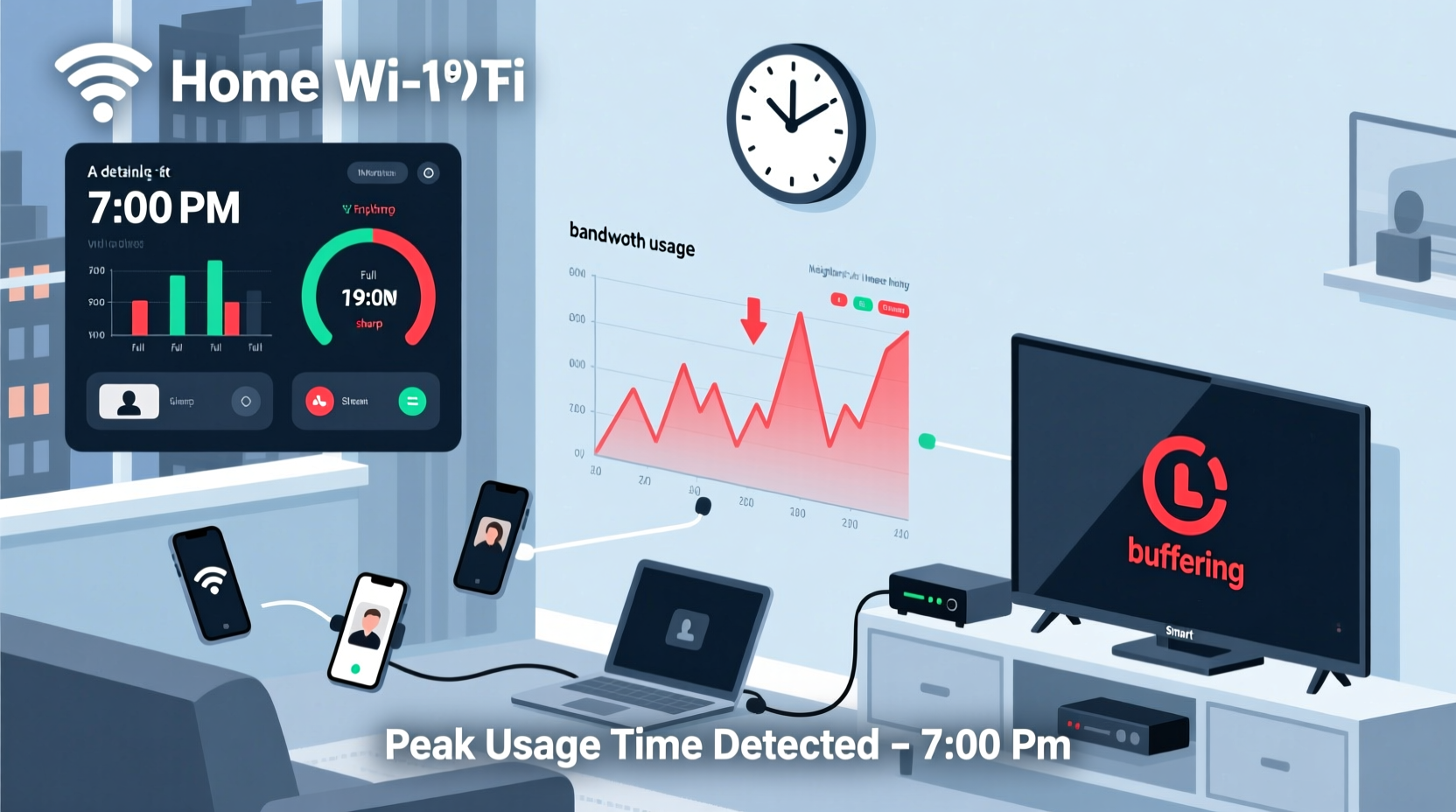
The most common reason for a nightly 7pm WiFi slowdown is peak usage time. After work and school hours end, families return home, devices power on, and internet demand spikes across entire neighborhoods. Streaming services like Netflix, YouTube, and Disney+ see surges in traffic. Smart TVs, gaming consoles, smartphones, and tablets all connect simultaneously, placing heavy loads on local networks and broader ISP infrastructure.
Internet Service Providers (ISPs) design their networks with expected average usage in mind, but they often rely on statistical multiplexing—assuming not everyone will use maximum bandwidth at once. When that assumption fails during peak hours, network capacity becomes strained. This is known as “contention ratio,” where too many users compete for limited shared bandwidth.
In suburban or apartment complexes, especially those served by cable internet (DOCSIS), users share a node with dozens of nearby homes. If your entire block starts streaming HD video at 7pm, the available bandwidth per household drops significantly—even if you have a 300 Mbps plan, actual throughput might fall below 50 Mbps during peak load.
Common Causes Behind the 7pm Slowdown
While network congestion is the primary culprit, several contributing factors can worsen or mimic the issue. Identifying which apply to your situation helps target solutions more effectively.
- Neighborhood Bandwidth Saturation: Shared cable nodes become overwhelmed when multiple households stream, game, or download simultaneously.
- Home Network Overload: Too many connected devices (smart speakers, phones, tablets, security cameras) competing for Wi-Fi airtime.
- Router Limitations: Older or low-end routers struggle to manage multiple high-demand connections efficiently.
- Wi-Fi Interference: Nearby networks operating on the same channel cause signal interference, especially in 2.4 GHz bands.
- ISP Throttling: Some providers intentionally reduce speeds during high-usage periods or after data caps are reached.
- Scheduled Device Activity: Smart home devices may sync, update, or back up data at fixed times—often set to early evening.
“Peak-time slowdowns are a symptom of modern digital lifestyles converging with outdated network designs. The problem isn’t your router—it’s the ecosystem.” — Dr. Alan Reyes, Network Infrastructure Analyst at Broadband Insights Group
Step-by-Step Guide to Diagnose and Fix the Issue
You don’t need an engineering degree to improve your evening internet experience. Follow this structured approach to identify and resolve the source of your 7pm slowdown.
- Test Speeds at Different Times
Use tools like Speedtest.net or Fast.com to measure download/upload speeds and latency at 6:45pm, 7:05pm, and 9pm. Compare results over three consecutive days. A consistent drop at exactly 7pm confirms a time-based issue. - Check Connected Devices
Log into your router’s admin interface (usually via 192.168.1.1 or similar). Look at the list of active devices. Are there unknown gadgets? Could smart TVs or phones be downloading updates? - Inspect Router Logs
Some routers log firmware updates, reboots, or scheduled tasks. Check if any automated processes trigger at 7pm. - Switch Wi-Fi Channels
Use a Wi-Fi analyzer app (like Wi-Fi Analyzer for Android or NetSpot for desktop) to find the least congested channel. Manually set your router to use 5GHz band on channels 36–48 or 149–161, avoiding auto-selection. - Enable Quality of Service (QoS)
QoS lets you prioritize certain devices or applications. For example, give your work laptop or video conferencing device higher priority than a background tablet update. - Upgrade Firmware
Outdated router firmware can cause inefficiencies and security flaws. Visit the manufacturer’s website to check for updates. - Contact Your ISP
Ask whether your node is oversubscribed and if rate limiting occurs during peak hours. Request a line quality report.
Do’s and Don’ts: Managing Evening Internet Performance
| Do’s | Don’ts |
|---|---|
| Use wired Ethernet connections for critical devices (PCs, smart TVs) | Leave unused devices connected to Wi-Fi overnight |
| Set up a guest network for visitors to reduce main network load | Place your router near microwaves, cordless phones, or thick walls |
| Limit automatic updates to off-peak hours | Assume higher Mbps plans always mean faster real-world performance |
| Reboot your router weekly to clear memory and refresh connections | Ignore signs of aging hardware (overheating, frequent disconnects) |
| Invest in a mesh Wi-Fi system for larger homes or dead zones | Use default SSID and password settings indefinitely |
Real-World Example: The Martinez Family’s 7pm Struggle
The Martinez family in Austin, Texas, experienced recurring internet issues every evening at precisely 7pm. Their two children began online homework, one parent joined Zoom meetings, and the other streamed cooking tutorials—all while the smart TV loaded a movie. Despite having a 400 Mbps plan, buffering was constant.
After testing, they discovered their aging dual-band router couldn’t handle more than five simultaneous high-demand streams. Additionally, their ISP node served 200 homes, and usage spiked sharply between 7–9pm. By upgrading to a tri-band mesh system, enabling QoS to prioritize work and school devices, and switching their security camera backups to run at 2am, they restored usable speeds within a week.
They also negotiated with their ISP for a temporary upgrade during school months—a lesser-known option some providers offer upon request.
When Hardware Is the Hidden Culprit
Even with optimal conditions, outdated equipment can sabotage performance. Routers older than three years likely lack support for modern standards like Wi-Fi 6 (802.11ax), MU-MIMO (multi-user, multiple input, multiple output), or beamforming—technologies designed to improve efficiency under load.
Consider these hardware upgrades:
- Wi-Fi 6 Router: Handles more devices simultaneously with lower latency and better power efficiency.
- Multipoint Mesh System: Eliminates dead zones and balances traffic across nodes (e.g., Google Nest Wifi, TP-Link Deco).
- MoCA Adapters: Use existing coaxial cables to deliver near-Ethernet speeds without running new wires.
- Managed Switch: Connect key devices via Ethernet to offload wireless congestion.
If your ISP-provided modem-router combo unit is outdated, ask if you can use your own DOCSIS 3.1 modem and separate router. This often improves stability and gives you greater control over settings.
FAQ: Common Questions About Evening WiFi Slowdowns
Is my ISP deliberately slowing me down at 7pm?
Not necessarily deliberately, but some ISPs employ “traffic shaping” during peak hours to maintain overall network stability. Others may throttle users who exceed data allowances. Contact customer service and ask specifically about network management policies. You can also test using a VPN—if speeds improve, throttling is likely occurring.
Why does it happen at exactly 7pm and not gradually?
The precision suggests synchronized behavior: schools ending, dinner routines starting, broadcast TV transitions to streaming, or smart devices programmed to update at that hour. It reflects societal rhythm more than technical inevitability.
Can changing my Wi-Fi password fix the slowdown?
Possibly—if unauthorized users are leaching bandwidth. However, the bigger gains come from managing legitimate usage. Still, securing your network with WPA3 encryption and a strong password prevents external drains.
Action Checklist: Restore Your 7pm Internet Speed
- ✅ Run speed tests before and after 7pm for three days
- ✅ Log into your router and count connected devices
- ✅ Update router firmware to the latest version
- ✅ Enable QoS and prioritize essential devices
- ✅ Switch to less crowded Wi-Fi channels (prefer 5GHz)
- ✅ Schedule large downloads and updates for late night
- ✅ Consider upgrading to a Wi-Fi 6 mesh system
- ✅ Call your ISP to inquire about node congestion and throttling
- ✅ Reboot your network weekly
- ✅ Use Ethernet for stationary high-use devices
Conclusion: Take Control of Your Home Network
Your internet shouldn’t vanish the moment dinner ends. The 7pm slowdown is a solvable problem—not a mysterious curse. With awareness of network dynamics, a few strategic adjustments, and the right tools, you can maintain smooth, responsive connectivity even during peak hours.
Start small: run a single speed test tonight, then review your connected devices tomorrow. Each step brings you closer to a more reliable, efficient home network. Share your findings with neighbors—collective awareness can even prompt ISPs to upgrade underserved nodes. The internet should serve your life, not disrupt it. Make the change tonight, and enjoy uninterrupted streaming, working, and connecting—right when you need it most.




 浙公网安备
33010002000092号
浙公网安备
33010002000092号 浙B2-20120091-4
Comments
No comments yet. Why don't you start the discussion?