
If you've noticed your Amazon Echo device flashing a yellow light, you're not alone. This subtle yet persistent glow often prompts confusion among users who expect their smart speaker to either stay silent or respond clearly. The yellow light isn't a malfunction—it's a message. Alexa uses color-coded light rings to communicate different statuses, and yellow specifically indicates incoming notifications or messages. Understanding what this signal means—and how to act on it—can enhance your experience with Alexa and ensure you never miss important updates.
What the Yellow Light Means
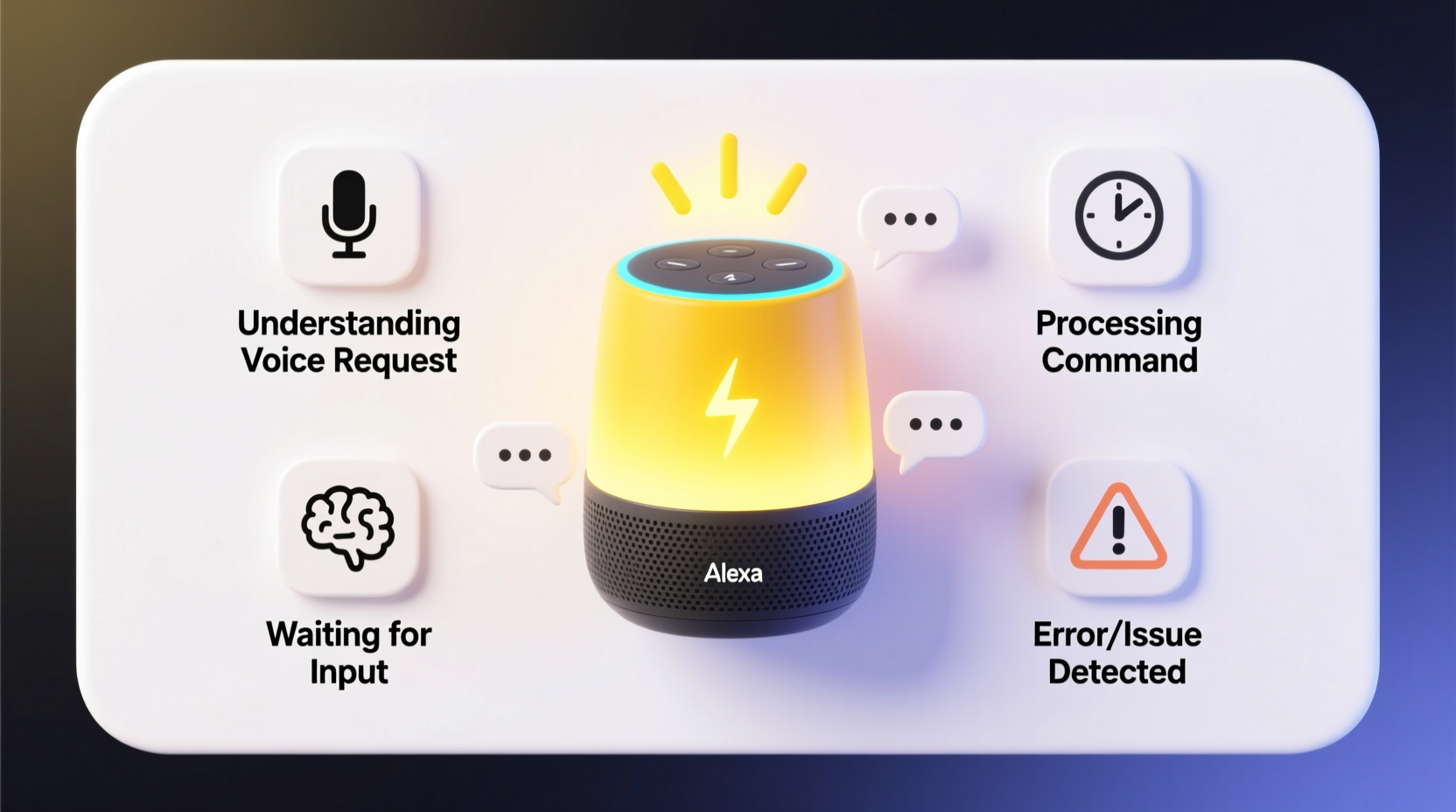
The primary reason for a yellow light ring on your Alexa-enabled device is that you have an unread notification or message. These alerts can come from several sources:
- Drop In or Call Requests: Someone in your household or contact list is trying to reach you via Alexa-to-Alexa communication.
- Reminders: A personal reminder you’ve set has just triggered.
- Notifications from Smart Home Devices: Your security camera detected motion, or a door opened.
- Amazon Delivery Updates: A package is out for delivery or has been delivered.
- Third-Party App Alerts: Connected services like weather warnings or calendar events.
The light typically pulses slowly in a clockwise direction. It will continue until you acknowledge the alert by asking Alexa to check your notifications or by manually dismissing them through the Alexa app.
How to Respond to a Flashing Yellow Light
Responding to the yellow light doesn’t require technical expertise—just a quick voice command or tap in the app. Here’s how to handle it efficiently:
- Voice Command: Simply say, “Alexa, tell me my notifications” or “Alexa, do I have any messages?” Alexa will read out each alert one by one.
- Alexa App: Open the Alexa app on your smartphone, tap the Communications tab (speech bubble icon), and review pending messages or alerts.
- Dismiss Individually: After listening, Alexa usually asks if you want to clear the notifications. Confirm to stop the flashing.
- Clear All at Once: In the app, swipe left on any notification and tap “Delete,” or use the “Clear All” option at the top.
Once all notifications are addressed, the yellow light will turn off automatically. If it persists, there may be a sync delay or a background alert still processing.
Common Causes of Persistent Yellow Lights
Sometimes, even after checking notifications, the yellow ring remains. This can be frustrating, but most causes are fixable with simple troubleshooting steps.
| Cause | Description | Solution |
|---|---|---|
| Unread Drop In Request | A family member tried to connect via Drop In but timed out before you responded. | Check the Activity Log in the Alexa app under Settings > Device Logs. |
| Background Notification Sync Delay | Your device hasn’t refreshed its status after clearing alerts on another device. | Restart the Echo device or force-close and reopen the Alexa app. |
| Glitch in Third-Party Skill | A connected service sent a malformed or repeating alert. | Disable and re-enable the skill in the Alexa app. |
| Misinterpreted Voice Response | You said something Alexa mistook for a command, leaving a notification unacknowledged. | Explicitly say “Alexa, clear all notifications” to reset the state. |
Mini Case Study: The Never-Ending Flash
Sarah, a remote worker in Austin, noticed her kitchen Echo Dot kept flashing yellow every morning—even after saying, “Alexa, no” when prompted about messages. She assumed she had cleared everything. After days of annoyance, she opened the Alexa app and discovered a missed delivery update from Amazon that hadn’t played aloud due to low volume settings. Clearing it manually stopped the light. Her takeaway? Visual cues aren’t always enough—checking the app ensures full visibility into what Alexa is trying to tell you.
Preventing Unwanted Notifications
While notifications are useful, too many can lead to alert fatigue. You can customize which alerts trigger the yellow light to maintain peace and privacy.
- Go to the Alexa app > Settings > Notification Settings.
- Toggle off non-essential alerts such as promotional messages or certain skill updates.
- Set “Do Not Disturb” hours to mute lights and sounds during sleep or work times.
- Customize which devices display notifications if you have multiple Echos.
“Many users don’t realize they can fine-tune notification behavior. A few minutes adjusting settings can eliminate unnecessary distractions.” — Jordan Lee, Smart Home Integration Specialist
FAQ: Common Questions About Alexa’s Yellow Light
Does a yellow light mean someone is listening?
No. The yellow light only indicates unread notifications. Alexa does not record or stream audio unless activated by the wake word or a physical button press. A solid green light indicates an active call or Drop In session.
Can I disable the yellow light entirely?
You cannot completely disable the yellow light without turning off all notifications, which isn’t recommended. However, you can reduce its frequency by customizing alert types and enabling Do Not Disturb mode during certain hours.
Why does my Alexa flash yellow but say nothing when I ask?
This may happen if the notification came from a source Alexa can’t vocalize clearly—like a rich media update from an app. Check the Alexa app for details. It could also indicate a temporary connectivity issue preventing full data sync.
Step-by-Step Guide to Managing Alexa Notifications
Follow this sequence to take full control of your Alexa notifications and avoid confusion:
- Observe the Light: Note the color and pattern. Yellow = notifications.
- Listen for Prompts: Alexa may periodically announce, “You have new notifications.”
- Ask Alexa: Say, “Alexa, what are my notifications?” and listen carefully.
- Respond or Dismiss: Confirm whether you want to keep or delete each alert.
- Open the Alexa App: Go to Communications > Inbox to view text-based alerts.
- Adjust Preferences: Under Settings, disable unwanted notification categories.
- Test Changes: Wait for a new alert to verify your settings work as intended.
Conclusion
The yellow light on your Alexa isn’t a cause for concern—it’s a helpful indicator designed to keep you informed. By understanding its meaning and learning how to manage notifications effectively, you can turn what might seem like a nuisance into a functional part of your smart home ecosystem. Whether it’s a delivery update, a reminder, or a message from a loved one, Alexa’s visual cues add another layer of awareness to your daily routine. Take a few moments to review your settings, clear old alerts, and personalize your experience. A well-managed Alexa is a more reliable and peaceful companion.




 浙公网安备
33010002000092号
浙公网安备
33010002000092号 浙B2-20120091-4
Comments
No comments yet. Why don't you start the discussion?