
Gaming controller sticks—whether on an Xbox, PlayStation, or Nintendo device—are among the most frequently used and delicate components of modern gamepads. Over time, wear and tear can lead to drift, reduced responsiveness, or complete failure. Unlike buttons or triggers, analog sticks are complex mechanical assemblies that degrade with use, exposure, and improper handling. The good news is that their lifespan can be significantly extended with proper care. From daily habits to periodic maintenance, small changes in how you treat your controller can prevent costly replacements and maintain peak gameplay performance.
Understand Why Sticks Fail
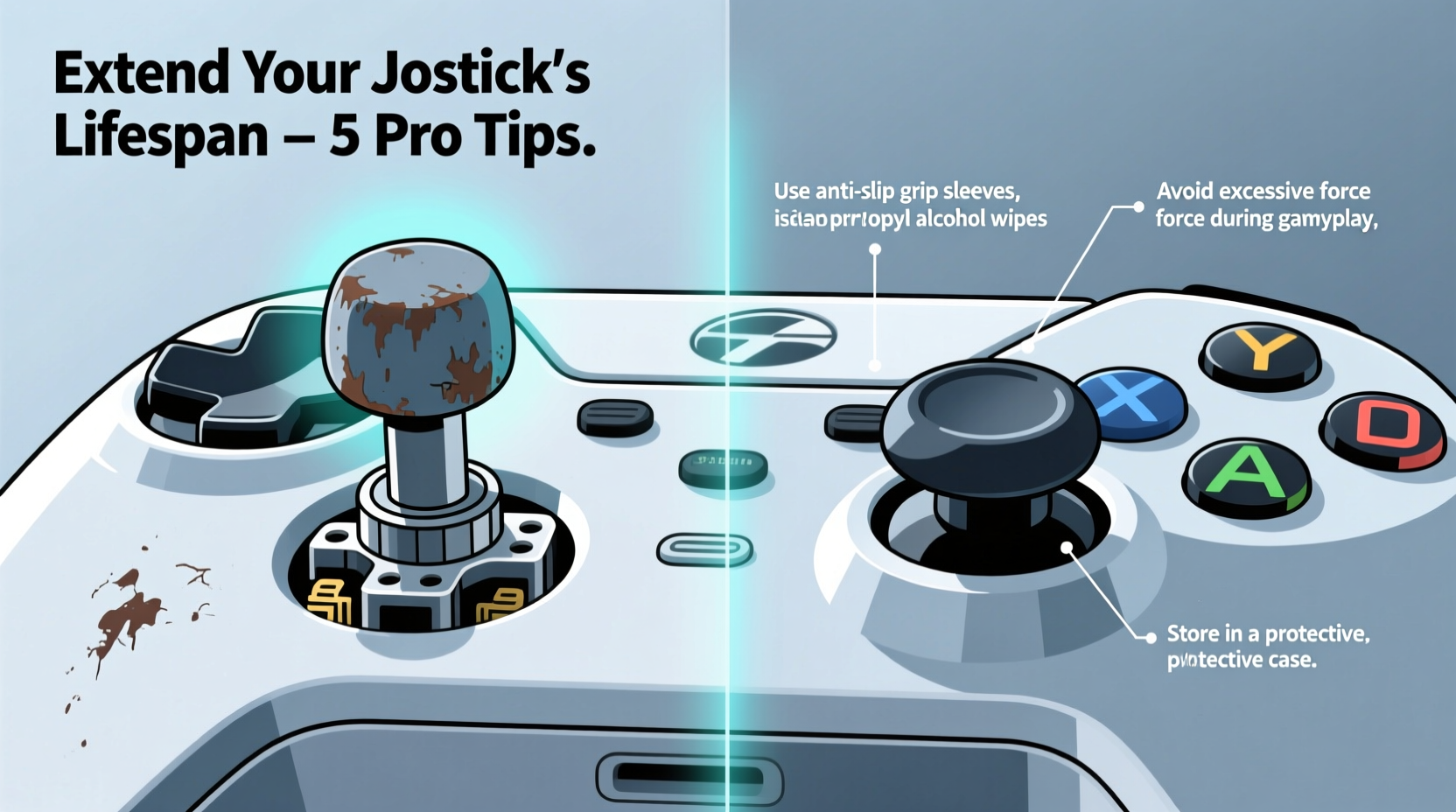
Analog sticks rely on potentiometers—small sensors that detect movement across two axes (X and Y). These sensors wear down over time due to friction and dust accumulation. Additionally, oils from fingers, accidental spills, aggressive thumb movements, and environmental factors like humidity accelerate degradation. Stick drift—the phenomenon where the controller registers input even when untouched—is often a symptom of worn-out sensors or debris interfering with internal contacts.
Manufacturers have improved durability in recent years, but no stick is immune to eventual breakdown. Studies show that under normal use, most controller sticks begin showing signs of wear between 18 months and three years. Heavy gamers may see issues arise much sooner. Recognizing the root causes allows users to take proactive steps rather than react after damage occurs.
“Most stick failures aren’t sudden—they’re the result of cumulative stress and neglect. A little routine care goes further than people realize.” — Jordan Lee, Electronics Technician & Gaming Hardware Specialist
Preventive Habits for Daily Use
The way you interact with your controller during gameplay has a direct impact on stick longevity. Many players unknowingly shorten their controller’s life through aggressive thumb pressure, rapid flicking motions, or resting thumbs heavily on the sticks when idle.
Use a light touch. Analog sticks are designed for precision, not force. Pushing too hard increases mechanical strain and accelerates sensor wear. Instead, glide your thumbs gently across the surface, allowing subtle movements to register accurately. Think of it like using a trackpad—deliberate but soft.
Avoid resting your thumbs on the sticks when not actively using them. Idle pressure contributes to constant micro-movement detection, which wears sensors prematurely. During cutscenes or menu navigation, let your hands relax slightly or reposition your thumbs to the face buttons.
Keep your hands clean before gaming. Sweat, oils, and dirt transfer from skin to stick caps and crevices. Over weeks, this grime migrates inside the housing, contaminating sensors. Wash your hands or use hand sanitizer before long sessions, especially if coming from meals or outdoor activities.
Step-by-Step Guide to Cleaning Your Controller Sticks
Regular cleaning is one of the most effective ways to prolong stick life. Dust, hair, and skin particles accumulate beneath the rubber skirt surrounding the stick, interfering with smooth motion and increasing resistance. A thorough cleaning every 6–8 weeks can restore responsiveness and delay drift.
- Power off and disconnect – Unplug the controller or remove batteries to avoid electrical risk.
- Remove loose debris – Use compressed air to blow out visible dust around the base of the stick. Hold the can upright and use short bursts to prevent moisture discharge.
- Clean the stick cap – Dampen a cotton swab with isopropyl alcohol (70% or higher) and wipe the exterior of the stick and surrounding area. Do not soak the swab—excess liquid can seep inside.
- Target the inner ring – Gently pull the rubber skirt outward and clean underneath with a dry or slightly damp swab. Rotate the stick slowly to access all angles.
- Dry completely – Allow at least 10 minutes for any residual moisture to evaporate before reconnecting.
- Test functionality – Reconnect and test in a game or system menu to ensure smooth movement.
For deep cleaning beyond surface maintenance, disassembly may be necessary. However, this voids warranties and risks damaging internal components unless done carefully. Only attempt this if you’re comfortable with small electronics and have the proper tools (e.g., pentalobe screwdriver).
Environmental and Storage Best Practices
Where and how you store your controller matters. Exposure to extreme temperatures, humidity, and direct sunlight can warp plastic components and degrade internal circuitry. Moisture encourages corrosion, while heat can soften adhesives and affect sensor calibration.
Store controllers in a cool, dry place away from windows or heating vents. A drawer, cabinet, or dedicated controller case provides protection from dust and accidental drops. Avoid leaving them on the floor or near drinks—spills are a leading cause of permanent stick failure.
| Hazard | Effect on Sticks | How to Prevent |
|---|---|---|
| Dust & Debris | Clogs internal mechanisms, causes resistance | Use compressed air monthly; store covered |
| Liquid Exposure | Corrodes circuits, damages sensors | Keep drinks away; clean immediately if spilled |
| High Humidity | Promotes mold, degrades materials | Store in climate-controlled space; use silica packs |
| Physical Impact | Dislodges components, misaligns sticks | Use protective case; avoid tossing on surfaces |
Upgrade and Customize Wisely
Sometimes, prevention includes upgrading. Aftermarket stick caps come in various shapes and textures, some designed specifically for comfort and reduced finger fatigue. Tall, domed caps offer better leverage, meaning less pressure is needed for full deflection—reducing strain on the internal mechanism.
Some brands offer replacement modular sticks. For example, Xbox Elite Series 2 controllers allow users to swap out worn sticks easily. Third-party repair kits are also available for common models, letting you replace potentiometers or entire stick modules without buying a new controller.
If you're technically inclined, consider installing Hall Effect sticks—a newer technology that uses magnetic sensors instead of physical contact. These eliminate traditional wear since there’s no rubbing between parts. While not standard on consumer controllers, DIY retrofits exist for popular models and dramatically increase lifespan.
Mini Case Study: Reducing Drift in Competitive Play
Mark T., a competitive *Fortnite* player, used to go through two or three controllers per year due to stick drift. His aggressive playstyle involved rapid camera turns and constant recentering, putting immense strain on his right stick. After experiencing repeated tournament disruptions from unresponsive controls, he consulted a hardware technician who recommended behavioral and maintenance changes.
Mark began cleaning his controller every six weeks, switched to a taller stick cap for better leverage, and practiced lighter thumb pressure during training matches. He also invested in a padded travel case to protect his gear during events. Over the next 14 months, he reported zero instances of drift and extended his primary controller’s life well beyond previous averages. “I used to think drift was inevitable,” he said. “Now I realize a lot of it was how I was using—and abusing—the stick.”
Maintenance Checklist
To make care simple and consistent, follow this monthly checklist:
- ✅ Clean stick caps and bases with isopropyl alcohol swabs
- ✅ Blow out dust with compressed air
- ✅ Inspect for wobble or inconsistent movement
- ✅ Check battery levels (low power can mimic stick issues)
- ✅ Store in a dry, protected location
- ✅ Avoid eating or drinking near the controller
- ✅ Practice light-thumb technique during gameplay
Frequently Asked Questions
Can stick drift be fixed permanently?
In many cases, yes—but it depends on the cause. If drift is due to debris, cleaning often resolves it temporarily. If the potentiometer is worn, replacing the stick module or upgrading to Hall Effect sensors offers a more permanent fix. Software recalibration helps only if the issue is minor and not hardware-based.
Is it safe to use household cleaners on my controller?
No. Avoid bleach, ammonia, or abrasive wipes. These can degrade rubberized coatings and damage plastics. Stick to isopropyl alcohol (70% or higher) applied via cotton swab or microfiber cloth. Never spray directly onto the device.
Do third-party controllers last longer than official ones?
It varies. Some third-party models prioritize durability with metal shafts and reinforced housings, while others cut corners to reduce cost. Brands like SCUF, Aim Controllers, and Backbone focus on longevity and customization. Always check reviews and warranty terms before purchasing.
Conclusion: Small Efforts, Long-Term Gains
Your gaming controller sticks don’t have to fail prematurely. With mindful usage, regular cleaning, and smart storage, you can extend their functional life by years. The habits that preserve your sticks—like keeping hands clean, using gentle inputs, and protecting against environmental hazards—also enhance your overall gaming experience. Precision improves, reliability increases, and frustration decreases.
Instead of waiting for drift to ruin your next match, start implementing these practices today. Whether you're a casual player or a competitive enthusiast, your controller deserves care that matches your passion for play.




 浙公网安备
33010002000092号
浙公网安备
33010002000092号 浙B2-20120091-4
Comments
No comments yet. Why don't you start the discussion?